Best iPad for sheet music in 2026: screen size, Apple Pencil and prices
How big a page looks on each current iPad, which Apple Pencil fits which model, what they weigh on a stand and what they cost in the US as of October 2026, with picks by player type.
SheetMusicApps Editorial Team·Published ·8 min read
Disclosure: Newzik is a commercial partner of SheetMusicApps. Rankings follow our published methodology, and every app's facts come from official sources and are fact-checked twice. Read our disclosure
The best iPad for sheet music is the one that shows a page close to its printed size without being heavy on the stand. As of October 2026 that points to a 13-inch model, and for most players to the 13-inch iPad Air (M4). Below are the six iPads Apple sells in the US, how large a page looks on each, which Apple Pencil fits which model, what they weigh and what they cost, with picks by player type. Every hardware fact comes from apple.com, checked on October 6, 2026.
Which iPad is best for sheet music?
The 13-inch iPad Air (M4) is the best iPad for sheet music for most players: a near paper-size page for $949. Picks by need, US Wi-Fi prices as of October 2026:
Best for most players: 13-inch iPad Air (M4), from $949.
Best premium: 13-inch iPad Pro (M5), from $1,499. Lighter, brighter and the only current model with Face ID.
Best budget: iPad (A16), from $449, with an 11-inch screen.
Best budget 13-inch: a refurbished 13-inch iPad Air (M3), $759 at Apple’s refurbished store when we checked.
Best for chord charts on a mic stand: iPad mini (A17 Pro), from $599, at 293 grams.
Why does screen size matter for reading music?
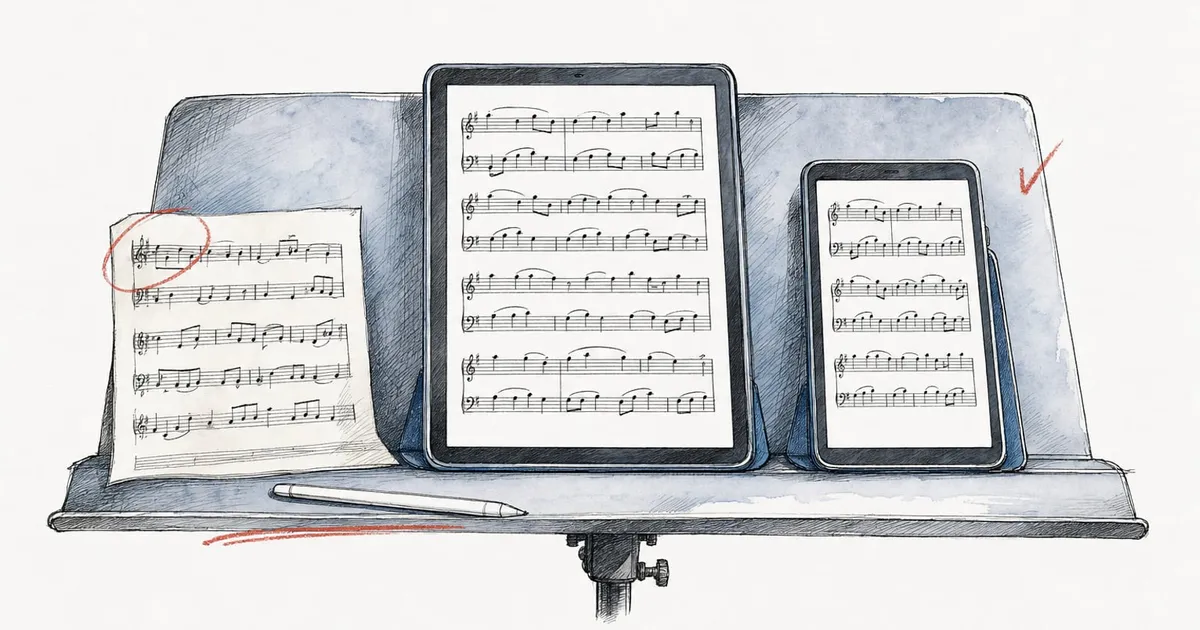
Because a sheet music app scales the whole page to fit the screen. A 13-inch iPad shows a letter page at about 91% of its printed size, close enough to read like paper, while an 11-inch model shrinks it to about three quarters.
We worked these figures out from Apple’s published resolutions. The 13-inch iPad Pro, for example, has 2752 by 2064 pixels at 264 pixels per inch, a display area of about 10.4 by 7.8 inches, against 8.5 by 11 inches for US letter and 210 by 297 mm for A4. Apple notes that rounded corners make the viewable area slightly smaller.
Screen
Current models
Letter page, portrait
A4 page, portrait
Each page, two-page landscape (letter)
13-inch
iPad Pro (M5), iPad Air (M4)
91 to 92%
89%
61%
11-inch
iPad Pro (M5), iPad Air (M4), iPad (A16)
73 to 74%
75 to 76%
53 to 54%
8.3-inch
iPad mini (A17 Pro)
54%
55%
41%
Orchestral librarians give a useful yardstick. The Major Orchestra Librarians’ Association’s preparation guidelines call an 8.5 mm staff the most readable size and anything under 7.0 mm unacceptable for orchestral parts. At 91% an 8.5 mm staff still measures about 7.7 mm; at 73% it drops to about 6.2 mm.
Cropping the white margins wins some of that back, and most readers can do it: forScore has Crop with auto-detect, and MobileSheets, Piascore and Henle Library also crop pages.
Which iPads does Apple sell in October 2026?
Six models, from the $449 iPad to the $1,499 13-inch iPad Pro. Prices below are Apple’s US prices for the Wi-Fi model with base storage, as of October 2026.
Model
Screen
Weight (Wi-Fi)
Apple Pencil
Storage
From
iPad Pro 13-inch (M5)
13-inch Ultra Retina XDR (OLED)
1.28 lb (579 g)
Pro, USB-C
256GB to 2TB
$1,499
iPad Pro 11-inch (M5)
11-inch Ultra Retina XDR (OLED)
0.98 lb (444 g)
Pro, USB-C
256GB to 2TB
$1,199
iPad Air 13-inch (M4)
13-inch Liquid Retina
1.36 lb (616 g)
Pro, USB-C
128GB to 1TB
$949
iPad Air 11-inch (M4)
11-inch Liquid Retina
1.02 lb (464 g)
Pro, USB-C
128GB to 1TB
$749
iPad (A16)
11-inch Liquid Retina
1.05 lb (477 g)
USB-C, 1st generation
128GB to 512GB
$449
iPad mini (A17 Pro)
8.3-inch Liquid Retina
0.65 lb (293 g)
Pro, USB-C
128GB to 512GB
$599
A few details matter more for musicians than the chip:
Cellular adds $150 on the iPad, iPad mini and iPad Air, and $200 on the iPad Pro. Most sheet music readers work offline once your scores are on the device.
Only the iPad Pro has Face ID; the others use Touch ID in the top button.
Base storage (128GB, or 256GB on the Pro) suits most PDF libraries. Buy more if you keep audio tracks, recordings or video with your scores.
The iPad Pro’s screen reaches 1000 nits in standard content, against 600 nits on the 13-inch Air, which helps on bright outdoor stages. Apple’s nano-texture glass, which it says scatters ambient light for less glare, comes only on 1TB and 2TB iPad Pro models, from $1,899.
Which Apple Pencil works with each iPad?
Apple Pencil (USB-C, $79) works with all six current iPads, and Apple Pencil Pro ($129) works with all of them except the iPad (A16). For writing fingerings and bowings, the cheaper pencil does the job.
Apple’s comparison lists what the USB-C model leaves out: pressure sensitivity, wireless pairing and charging, and double-tap to switch tools. Apple Pencil Pro adds squeeze, barrel roll and haptic feedback, and some readers use squeeze: MobileSheets added squeeze actions to its annotation editor, and forScore Pro adds Apple Pencil hover and squeeze gestures. The iPad (A16) also accepts the first-generation Apple Pencil through Apple’s USB-C to Apple Pencil Adapter. Our guide on how to write on sheet music covers the annotation tools themselves.
Should you read in portrait or two-page landscape?
Portrait, for most players. One page at about 91% of its size on a 13-inch iPad is easier to read than two pages at 61% each in landscape, and half-page turns cover the moment you reach the bottom of the page.
Two-page view still helps when a page turn falls badly or a slow movement fits on two pages. forScore, MobileSheets, Newzik, Piascore, Henle Library and unrealBook all offer it, but on an 11-inch screen each page drops to about 53% of its size.
For a true open book at full size, use two tablets. forScore’s Dual Page mode pairs forScore on one device with the separate forScore Cue app ($4.99) on another and turns two pages at a time. MobileSheets’ book mode makes two tablets running MobileSheets act as one two-page display; its user guide notes that few devices have screens large enough for a two-page display. Our hands-free page turning guide covers both.
How heavy is an iPad on a music stand?
Between 293 grams for the iPad mini and 616 grams for the 13-inch iPad Air, before a case. The 13-inch iPad Pro is lighter than the 13-inch Air (579 grams against 616), and an older 12.9-inch iPad Pro (6th generation) weighs 682 grams.
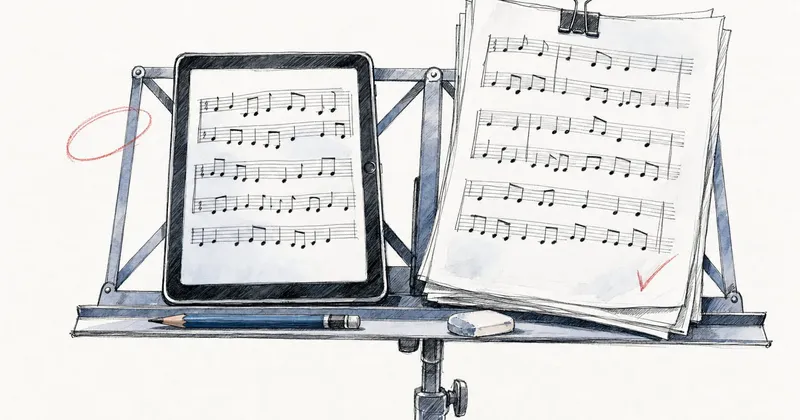
That weight sits on the ledge of the stand, so the desk matters more than the tablet. A solid-desk orchestral stand holds a 13-inch iPad in a case without trouble. On a light folding wire stand, use a holder that clamps to the desk or the pole so the tablet can’t slip through or tip the desk forward.
Gigging players often mount a tablet on a mic stand with a clamp holder at eye level, where the iPad mini’s 293 grams is the easiest to keep steady. Every current iPad has Bluetooth, and the pedals in our page turner pedal guide all list iPad support.
Are refurbished and older iPads worth it?
Often, if you shop for screen size first. Apple’s certified refurbished store says its iPads carry a one-year warranty and save up to 15%. On October 6, 2026 it listed, among others (stock changes daily):
13-inch iPad Air (M3), Wi-Fi, 128GB: $759. It has the same 2732 by 2048 resolution as the new 13-inch Air, so the page is the same size, for about the price of a new 11-inch Air ($749).
iPad Pro 13-inch (M4), Wi-Fi, 256GB: $1,169, the previous iPad Pro, with Apple Pencil Pro support.
iPad mini (A17 Pro), Wi-Fi, 128GB: $509.
Refurbished isn’t always the better deal. The same day, a refurbished 12.9-inch iPad Pro (6th generation) with 128GB cost $969, more than a new 13-inch iPad Air (M4). It takes the second-generation and USB-C Apple Pencils rather than Pencil Pro.
If you already own an older iPad, check two things before buying a new one: whether it takes an Apple Pencil you have, and whether it runs the iPadOS version your app needs (forScore currently requires iPadOS 18, according to its App Store listing).
Which iPad fits the way you play?
Choose the screen for what you read: full notation pages need 13 inches, chord charts don’t.
Pianists
Get a 13-inch iPad Air (M4) or, if you want Face ID and a lighter tablet, a 13-inch iPad Pro (M5). Read in portrait with half-page turns, and use two-page view for passages where it saves a turn. If you want two full pages like an open book, two tablets with forScore Dual Page or MobileSheets’ book mode do it better than one large screen. Apps: best sheet music apps for piano.
Orchestral and section players
Get a 13-inch model: a part engraved with the librarians’ recommended 8.5 mm staff stays above their 7 mm floor on a 13-inch screen but not on an 11-inch one. The iPad Air (M4) is the value pick. Choose the iPad Pro if your orchestra reads in Newzik and you want its face-gesture turns, or if you play outdoor concerts and want the brighter screen. Check which app your ensemble uses before you buy: best apps for orchestras.
Students on a budget
The iPad (A16) at $449 plus an Apple Pencil (USB-C) at $79 comes to $528, and it reads parts at about 73% of their printed size, better with margins cropped. If you can stretch to $759, a refurbished 13-inch iPad Air (M3) gives you the full-size page. Pair either with a free reader from our list of free sheet music apps.
Gigging chord-chart players
An 11-inch iPad (A16) or iPad Air is enough. Text chord charts are laid out by the app, not fixed like a PDF: SongbookPro’s manual describes font size controls for ChordPro songs and a mode that splits a song into as many columns as the screen can fit. The iPad mini works on a mic stand if you raise the font size. See OnSong vs SongbookPro and the best apps for worship teams.
Looking for the best iPad sheet music app rather than the tablet? Our ranking of the best sheet music apps for iPad scores them for page turning, Apple Pencil annotation and value, and the overall ranking covers every platform.
Frequently asked questions
What is the best iPad for sheet music?
The 13-inch iPad Air (M4), from $949 in the US as of October 2026, for most players. Its screen shows a letter or A4 page at roughly 90% of its printed size, close to reading from paper, and it works with Apple Pencil Pro. The 13-inch iPad Pro (M5, from $1,499) adds Face ID, a brighter OLED screen and a lighter body.
Is a 13-inch or 11-inch iPad better for sheet music?
A 13-inch iPad, if you read full pages of notation. It shows a letter page at about 91 to 92% of its printed size, while an 11-inch model shows it at about 73 to 74%. An 11-inch iPad is fine for chord charts, lead sheets and practice, especially if you crop page margins in your app.
Is the iPad Pro worth it for reading sheet music?
For most players, no. The 13-inch iPad Air (M4) shows the same page size for $550 less. The 13-inch iPad Pro (M5) is worth it if you want face-gesture page turns in apps that need Face ID, a brighter screen for outdoor gigs, or the lightest 13-inch model (579 grams against 616 grams).
Is the iPad mini big enough for sheet music?
Not for full pages of notation: its 8.3-inch screen shows a letter page at about 54% of its printed size. It works for chord charts and lyric sheets whose font size you can raise, and at 293 grams it is the easiest iPad to mount on a mic stand.
Which Apple Pencil should musicians buy?
Apple Pencil (USB-C, $79) works with every current iPad and is enough for fingerings, bowings and text. Apple Pencil Pro ($129) adds pressure sensitivity and squeeze, and works with the current iPad Pro, iPad Air and iPad mini but not the iPad (A16), which also accepts the first-generation Pencil through a USB-C adapter.
What is the best sheet music app for iPad?
We rank iPad apps on a separate page, the best sheet music apps for iPad, weighted toward page turning and Apple Pencil annotation. The apps on it run on all six current iPads; the model you pick changes how large the page looks, and face-gesture page turns in Newzik and Piascore need the iPad Pro's Face ID camera.
Five sheet music apps with a native Windows version for PCs, Surface and other 2-in-1s, plus a plain look at which browser-based readers work on stage. US prices checked in October 2026.
Four apps that turn a PDF or photo of sheet music into notation you can hear, ranked with weights that favor what they do with the result: playback, transposition and export. US prices checked in October 2026.
Eight sheet music apps you can keep using without paying, ranked with weights that favor what the free version allows, plus the 'free' readers that stop after a few songs. US prices checked in October 2026.
Read more
Stilldeciding?Puttheappssidebyside
Filter every sheet music app by the devices you use, how you want to pay and the features you can't do without.